
D365 Tiles · Admin
Creating Tile Sets
Being updated. This article was recovered from the old Help Center. Its steps and screenshots show the older Dynamics 365 interface.
Tile Sets are the design and layout of a collection of many Tiles in the solution.
What are Tile Sets?
Section titled “What are Tile Sets?”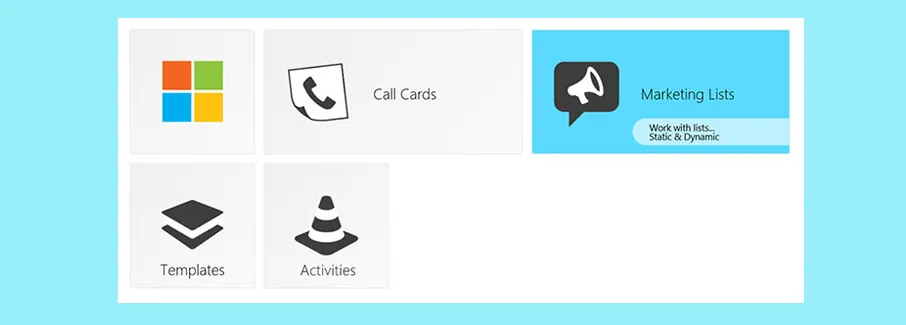
Tile Sets are records you create to house a collection of Tiles
*the Tile Set shown on a dashboard in above picture is a collection of 8 x Tiles
It’s possible to add many Tile Sets onto a Dashboard if required, which can allow more scalable and efficient creation and maintenance of the individual Tile Sets themselves.
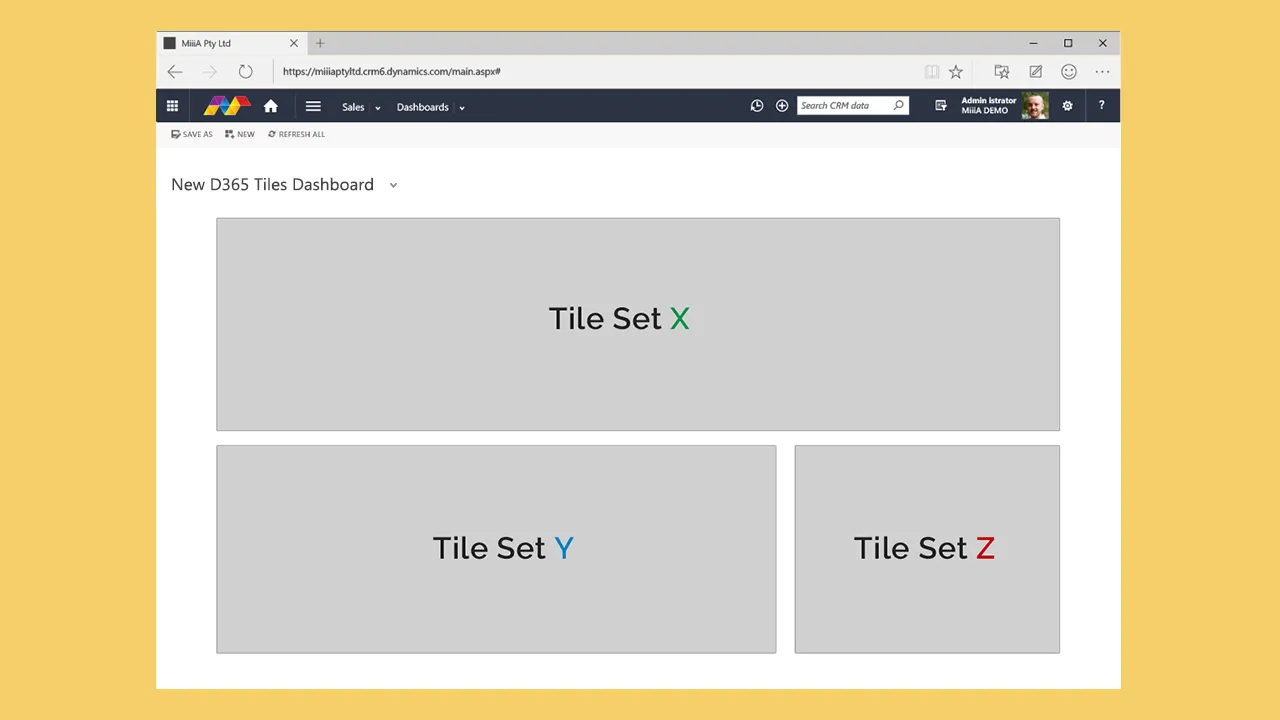
Navigation
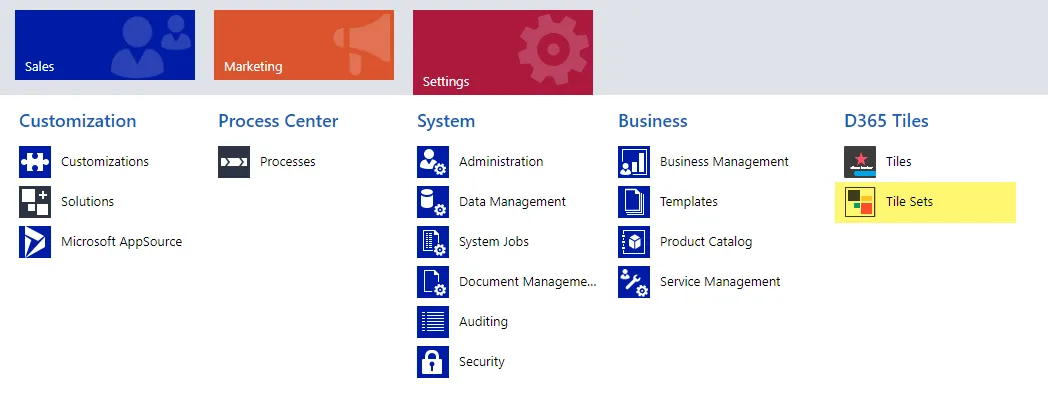
Section titled “Navigation”- Go to SETTINGS > D365 Tile Sets
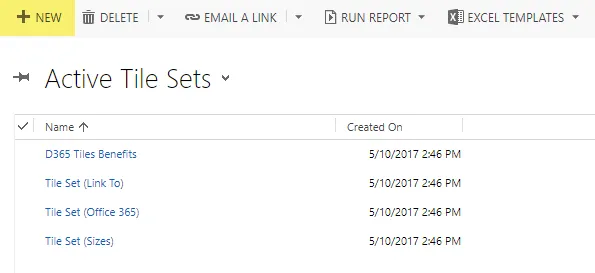
- Open the Tile Set you wish to edit
- or Click the
 button to add a new Tile Set
See also: For more info please see the Creating Tiles article
Tile Set Parameters
Section titled “Tile Set Parameters”Tile Sets themselves are simple in nature, and act like a template or layout design. There is a set of parameters to customize each Tile Set.
- Name Give your Tile Set a logical name for identification
- Description If you need to record info about the use-case or more details
- Copy Id The unique identifier you’ll need to add this Tile Set to a Dashboard
- Preview The visual preview of your Tile Set currently
⚠ Image lost:
D365-Tiles-TileSet-Record.jpg