D365 Checklists · User
Using Checklists
Being updated. This article was recovered from the old Help Center. Its steps and screenshots show the older Dynamics 365 interface.
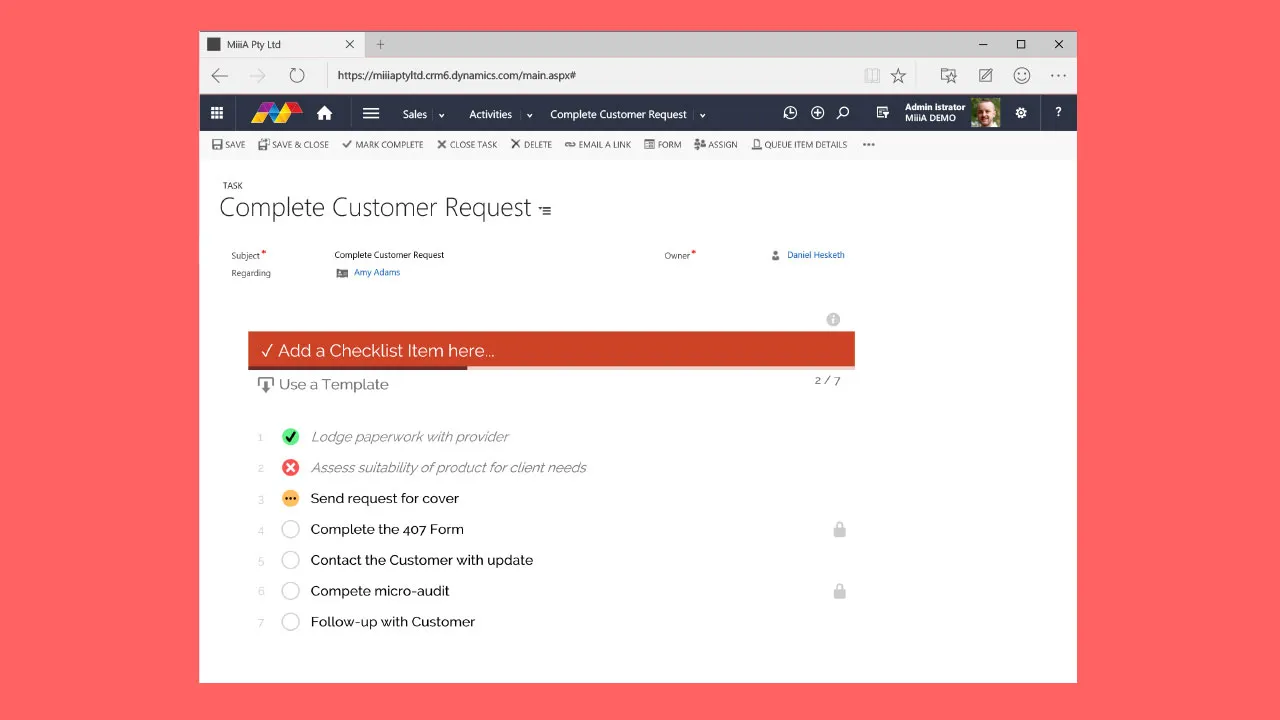
Your System Administrator will enable Checklists on one or more entity forms in your system. This could be enabled on Tasks, Opportunities, Contacts or most other System or Custom entity record types.
See also: More info for SysAdmins is available in the Add Checklists to Entity Forms article
What are they?
Section titled “What are they?”Checklists are the easy way to create to-do items on-the-fly, or call upon Checklist Templates for pre-defined lists.
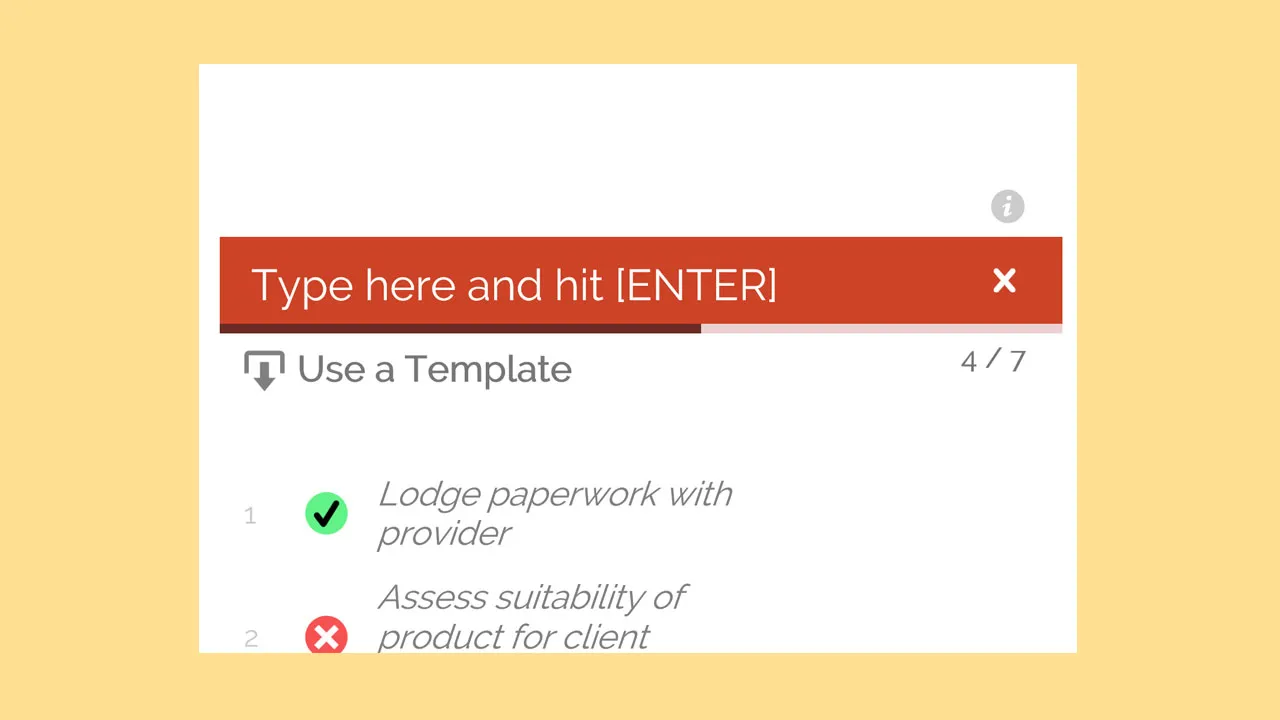
See also: For more info on templates please see the Using Checklist Templates article
Set the Checklist Items
Section titled “Set the Checklist Items”- Navigate to your Entity records where Checklists are enabled
- Add Checklist Items as required

- Edit, Resort or Delete as required
- When done just Save the entity record
Using Templates
Section titled “Using Templates”- When using any Checklist, click the Use a Template button
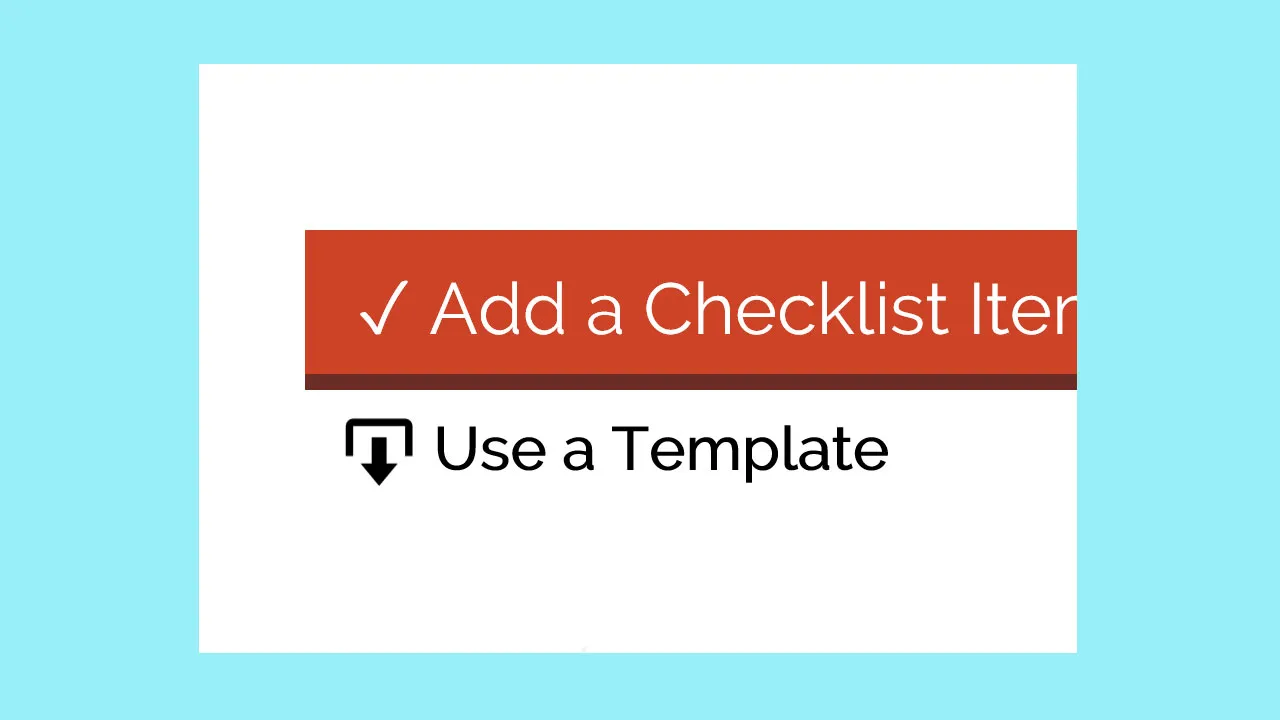
- Select the Checklist Template you wish to insert into your Checklist
- Click OK
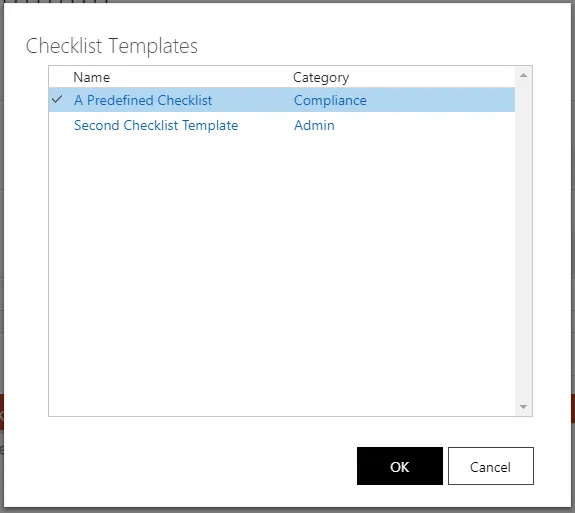
- The items from the Checklist Template will be added to your current Checklist